For Windows 10 and 11
The Tierz tracker for SPAM
A small program that runs alongside the game. It records each match as soon as it ends and shows you your record, your decks and your ranking. Free, no account needed.
Beta version · free · about 130 MB · interface in French for now
Windows or your antivirus warning you? See the installation guide
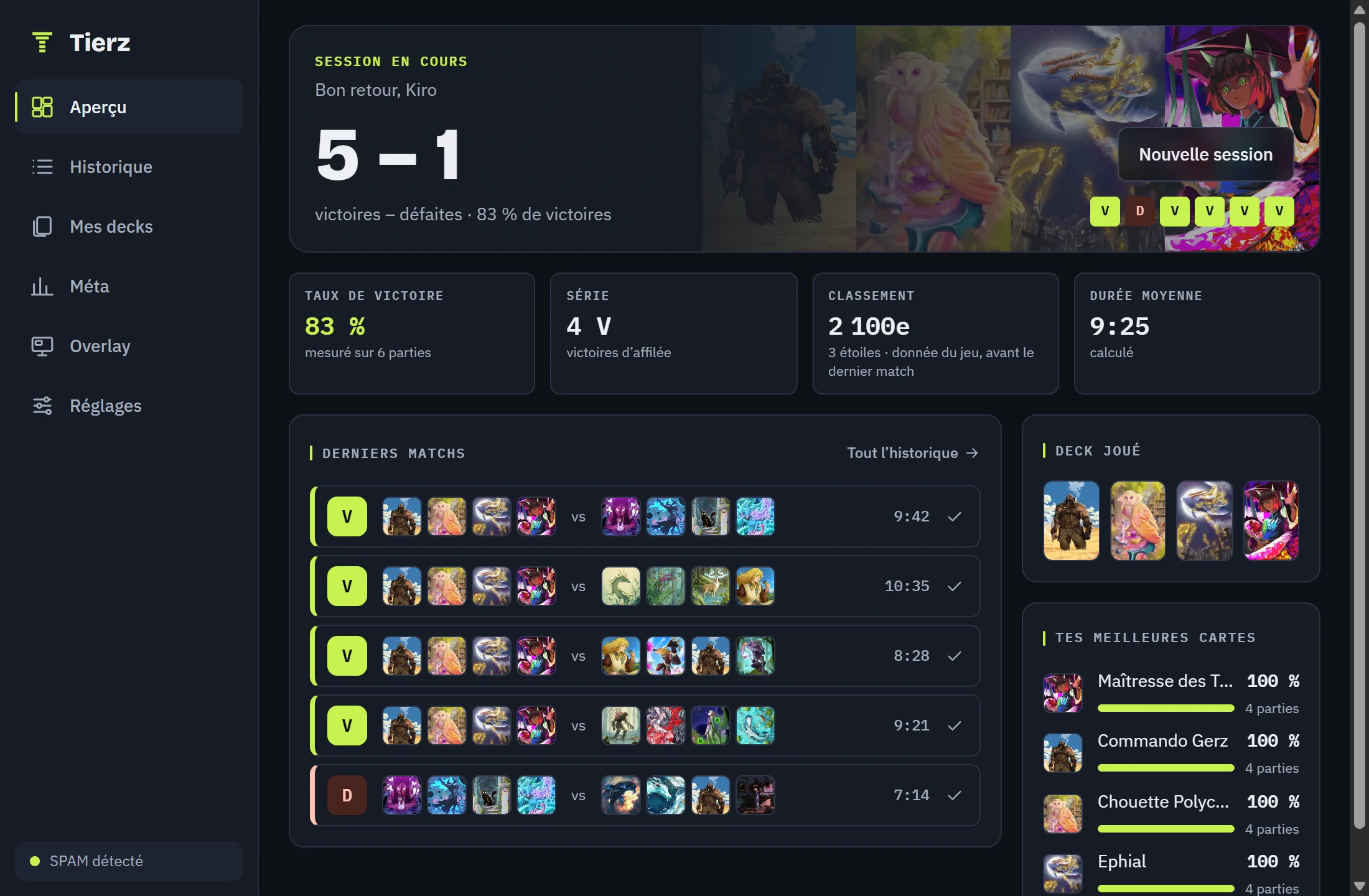
Everything the tracker does
Your matches, nothing to type
Result, both players’ decks, number of turns and length: everything is noted for you at the end of each game.
Your session at a glance
Record, win rate, current streak and deck played. You start from zero whenever you decide.
A complete history
All your games stay in the tracker, with each opponent’s deck.
A record for each deck
Tierz recognises your decks, tells you which ones win and which cards work best for you.
Widgets for your stream
Session, deck played, ranking and end-of-match banner, added to OBS by copying an address.
Out of your way while you play
Once started, it tucks itself into the notification area and lets you play without interrupting you.
Widgets ready for OBS
They are added to OBS as a “Browser” source and update by themselves at the end of each match. Theme, colour and size are chosen in the tracker.
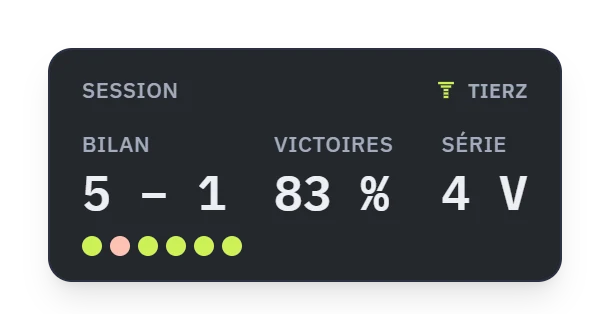
Session 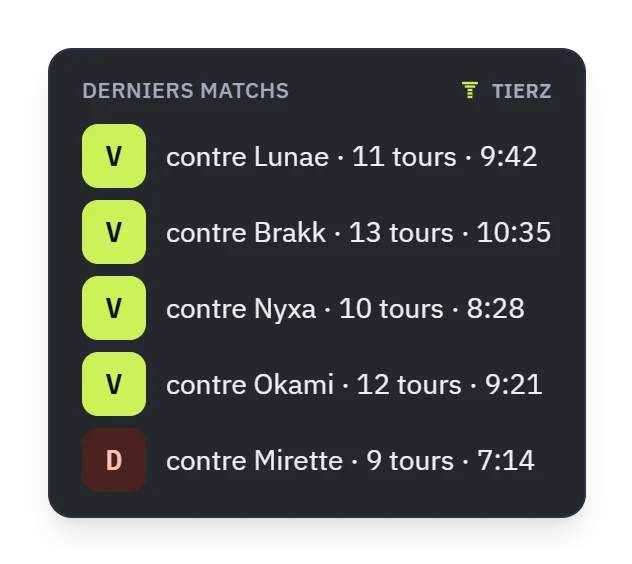
Latest matches 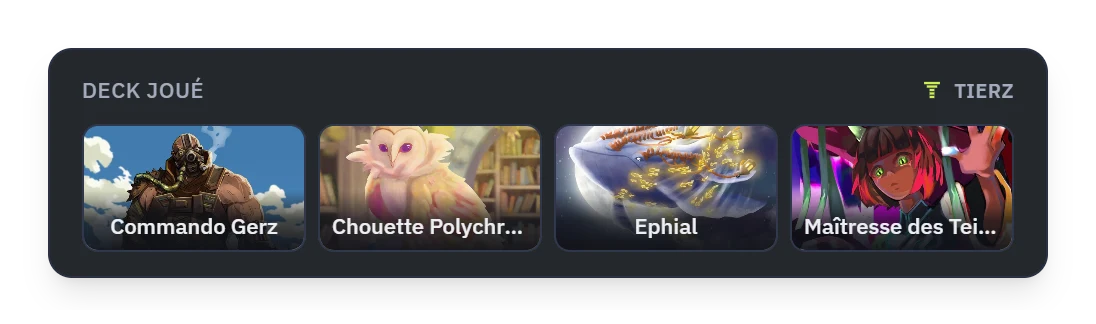
Deck played 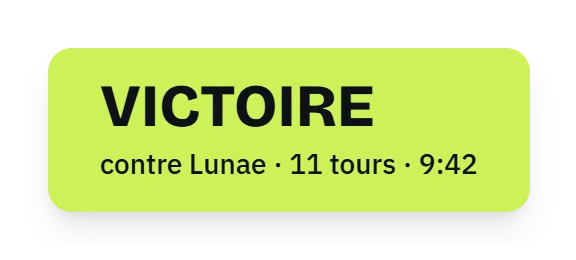
End of match 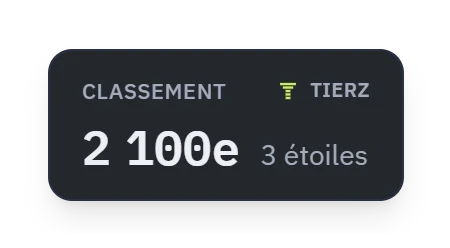
Ranking
Up and running in three steps
Install Tierz
Download the installer and run it: it installs in one click. On first start, the tracker shows you its charter.
Launch SPAM
The tracker finds the game by itself. There is nothing to set up, and no account to create.
Play
At the end of each match, your record, your history and your decks are up to date.
Installing Tierz, step by step
Tierz is brand new and its installer is not signed yet. So Windows, and sometimes your antivirus, warn you before opening it, as they do for any new software. Here is what you will see, and where to click.
Open the downloaded file
In your browser’s downloads (shortcut Ctrl+J), click on Tierz-Setup.exe.
Windows shows a blue screen
Click “More info”, the underlined link below the text.
Start the installation
The “Run anyway” button appears at the bottom of the screen: click it.
Let your antivirus finish
Avast, AVG and other antivirus programs scan any program they see for the first time. It takes about a minute, and the installation waits meanwhile. If Windows says in the meantime that it “cannot access the specified file”, wait for the scan to end, then open the file again.
It’s installed
Tierz opens by itself and shows you its charter. Launch SPAM and play: your matches are recorded at the end of each game.
Frequently asked questions
Is Tierz really free?
Yes. The tracker is free, and you do not need an account to use it.
Does Tierz modify the game?
No. Tierz only reads the files SPAM itself saves on your PC at the end of each match. It does not modify the game, read its memory or intercept its exchanges with the servers.
Do I need to create an account?
No, the tracker works as soon as it is installed. Signing in to the site is optional: it links your tracker to the site.
What data does Tierz send?
After each match, the tracker sends Tierz the result, the length, the number of turns, both decks and the rankings, along with your in-game name and the id of your game account. Your opponent’s name never leaves your PC. This data is used to build the game’s statistics; the full list is in the charter the tracker shows you on first start.
Why does Windows show “Windows protected your PC”?
Because Tierz is brand new and its installer is not signed yet: Windows shows this blue screen for any program it does not know yet. Click “More info”, then “Run anyway”. The installation guide, higher up on this page, shows where to click.
My antivirus scans or blocks Tierz, is that normal?
Yes. Avast, AVG and other antivirus programs examine any program they see for the first time, which takes about a minute. Let the scan finish, then open the file again if the installation was interrupted. If your antivirus blocks Tierz for good, tell us on X (@tierz_gg) and say which one it is.
Is Tierz safe?
Tierz only reads the folder where SPAM saves its games, and only sends the site the summary of your matches: the exact list is in the tracker’s charter and on the Privacy page. It does not modify the game, read its memory or ever ask for your password.
How do updates work?
By themselves. The tracker downloads each new version in the background and installs it when you close it. You have nothing to download again.
Does Tierz start with Windows?
Yes, so that no match is missed: it starts without opening a window and sits near the clock. A checkbox in its Settings is all it takes to stop that.
Are the widgets any use if I do not stream?
Yes. The session widget can be shown in a corner of your screen, over the game. SPAM just needs to be in borderless windowed mode.
Is Tierz linked to Ticroco?
No. Tierz is a fan project, independent of Ticroco, the studio that develops SPAM.